All help
Account, notifications and data
Your profile, language, notifications, and what happens to your data.
Device
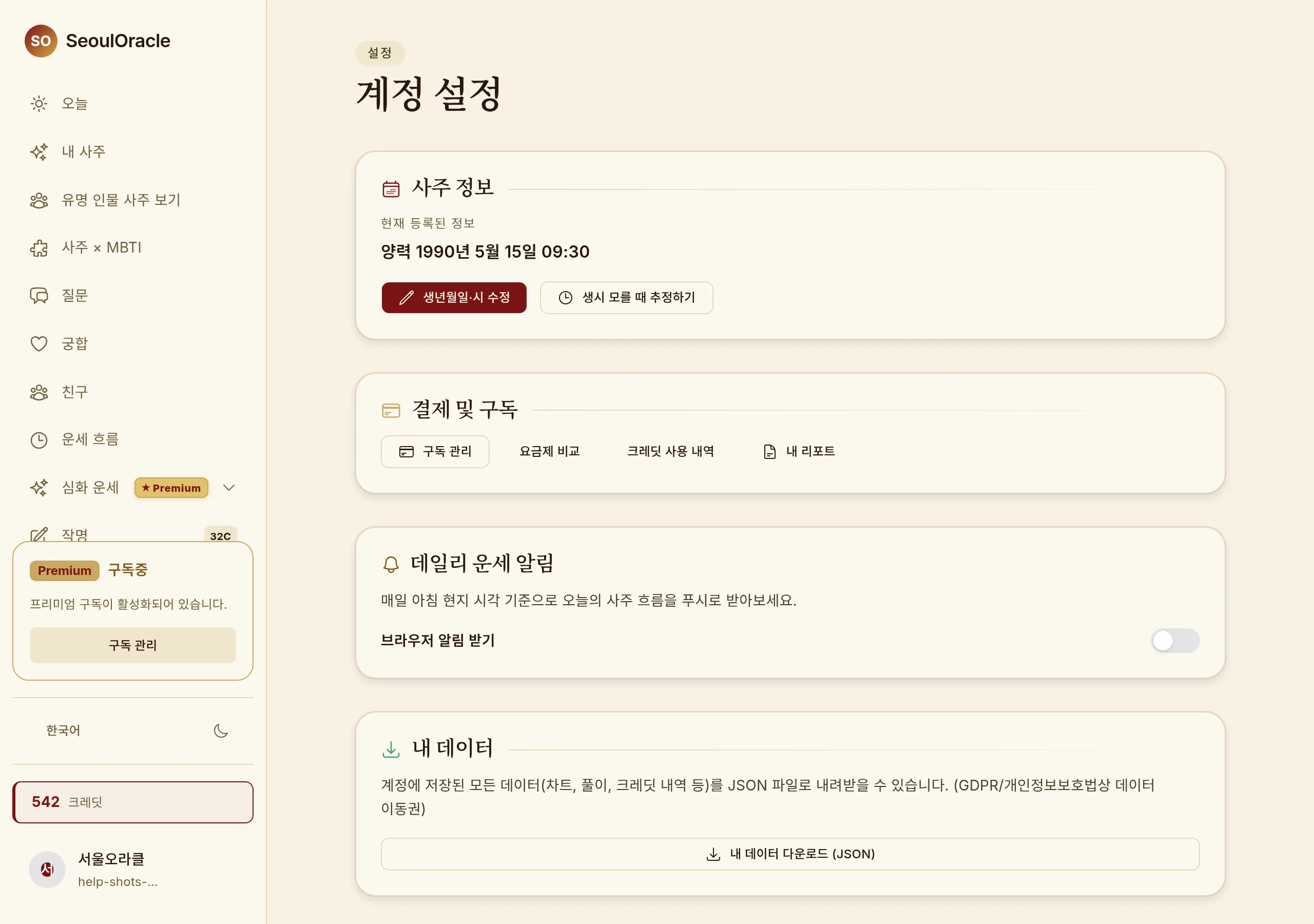
Settings — profile and notifications · Shown on Desktop.
Editing your profile
1
Change your name, birth details, gender and language in settings.
2
Changing your birth date recalculates your chart and regenerates existing readings.
Notifications
You can receive your daily reading each morning.
1
Allow browser notifications and you can receive them on desktop too.
Data and deleting your account
Deleting your account from settings removes your chart, readings and conversations with it. This cannot be undone.
Common questions
I forgot my password.
Use "Forgot password" on the sign-in screen to get a reset email.
I signed up with Google and email sign-in fails.
Use the method you signed up with — if that was Google, use the Google button.