All help
Finding your way around
Menus sit in different places by device — a sidebar on desktop, bottom tabs on mobile.
Device
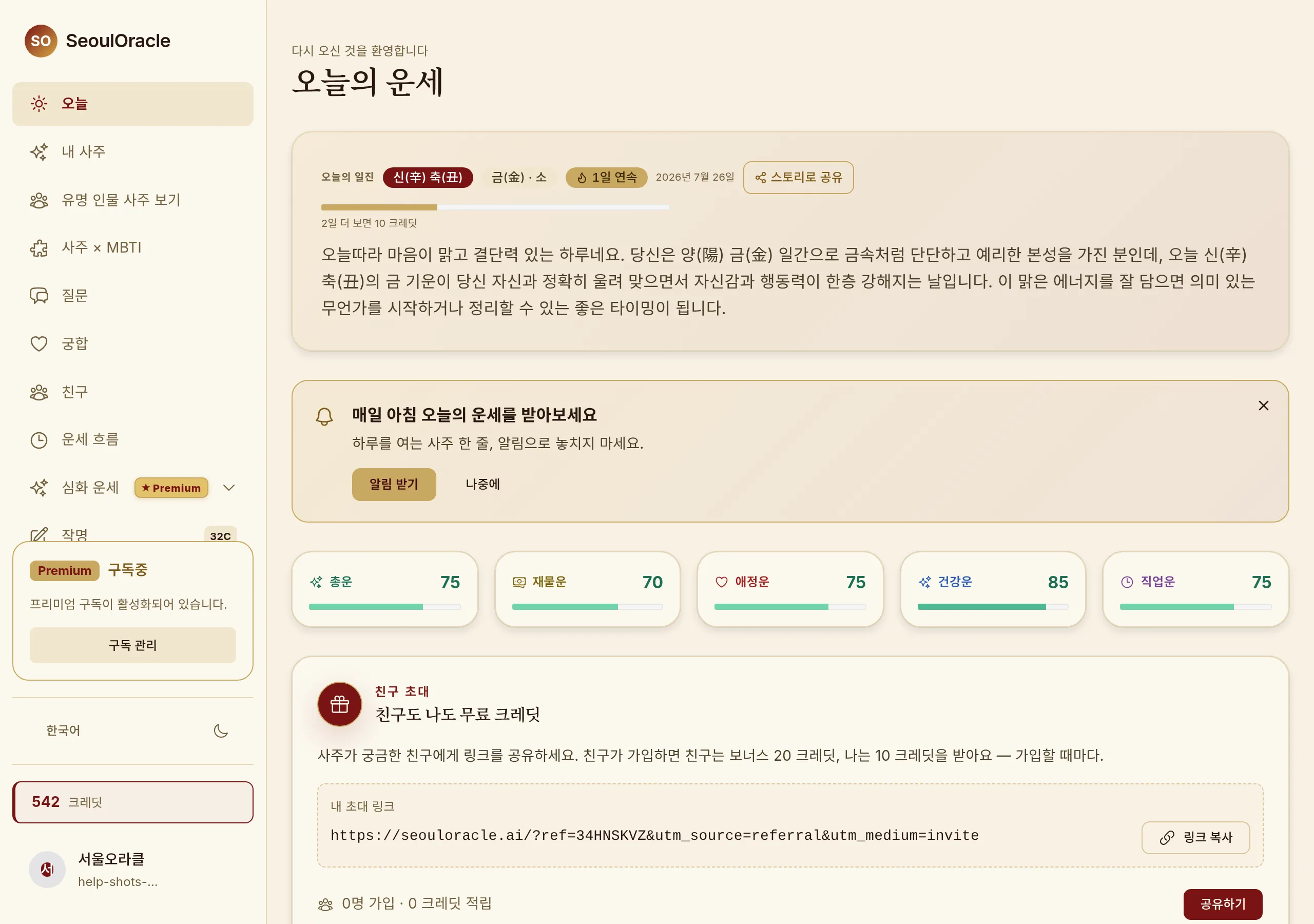
Home — today's reading and the main entry points · Shown on Desktop.
Where the menu lives
Features are grouped five ways — Today, My Saju, Ask, Cycles and Compatibility.
1
The left sidebar shows every menu item, always expanded.
2
When the list is taller than the window its top and bottom edges fade — that means there is more to scroll to.
3
Credit balance and dark mode are at the top right.
Reading the badges
1
A number beside a menu item is what that feature costs in credits (naming, for example, shows 32).
2
A "PRO" badge means the feature is part of the subscription.
3
Badges disappear once you have unlocked the feature or subscribed.
Language and appearance
1
20 languages are supported. Changing language regenerates the written readings in that language.
2
Dark mode toggles from the moon button in the header.
Worth knowing
· Turn a tablet to landscape and tables and charts get the same density as desktop.