Skip to content

All help

Face and palm reading

Geometric features measured from a photo, read together with your chart. 42 credits each.

Device

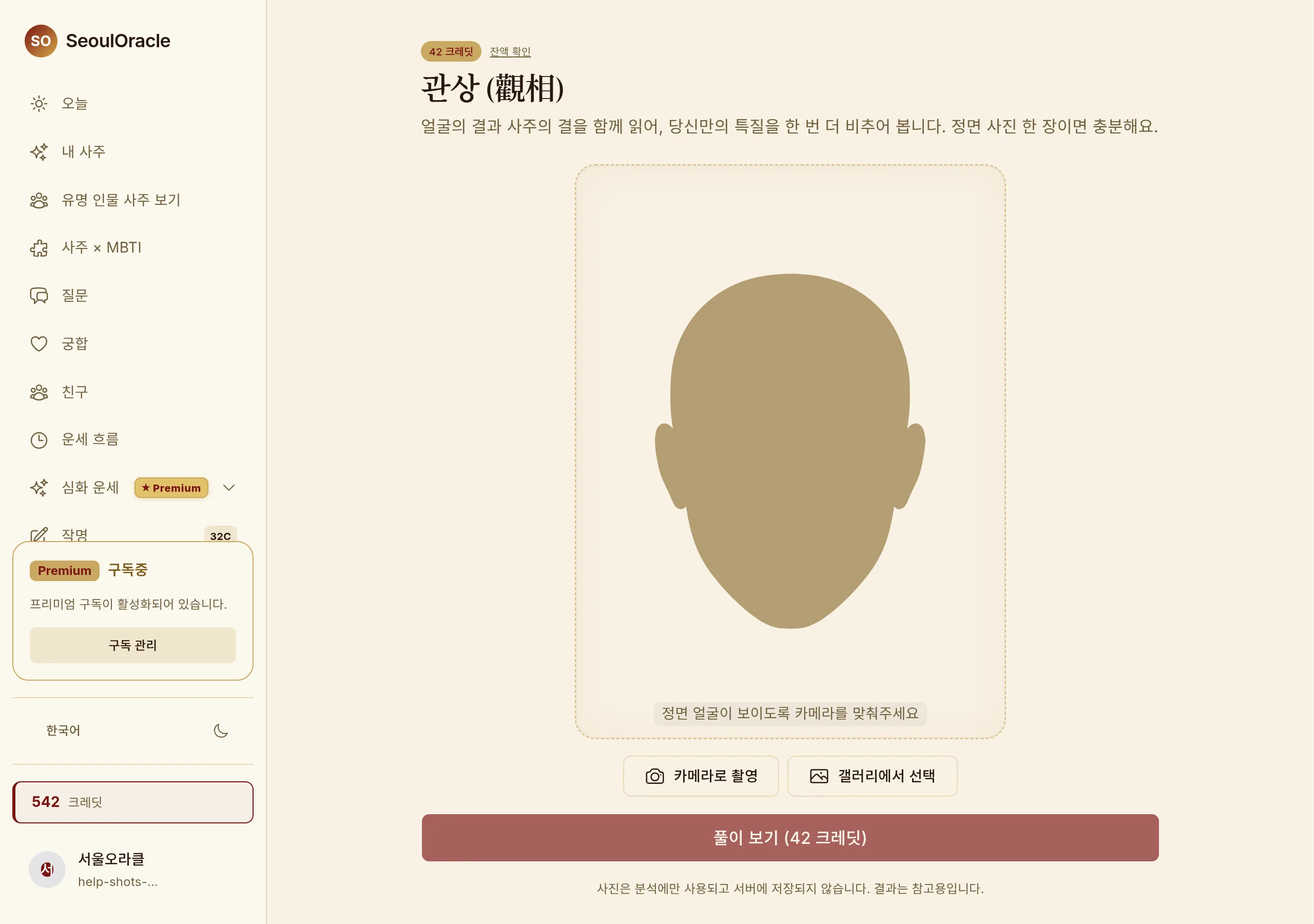
Face reading — the capture and upload screen

Face reading — the capture and upload screen · Shown on Desktop.

Capturing the photo

1

Drag a file in, or use "Choose photo".

What makes a good photo

1

Face the camera straight on, in even light with no harsh shadow.

2

For a face reading, include everything from forehead to chin. Avoid hats, masks and strong shadows.

3

For a palm reading, open the hand fully so the lines are clearly visible.

What happens to the photo

The photo is used only to produce the reading and stays on your device. Nothing is kept on the server once generation finishes.

Common questions

It says it cannot detect anything.

Usually the face or hand does not fill enough of the frame, or the light is too low. Reframe against the guide box and retry — failed attempts are not charged.

It jumped back to the home screen after I took the photo.

This can happen when the app opens the camera. Go back in and it picks up where it left off.

Worth knowing

· Failed generations are never charged.

Read next

Portrait

A Korean-ink-style portrait carrying your chart's dominant element. 28 credits.

Credits and subscription

Two models — credits you buy once and keep, and a PRO subscription that renews monthly.